Notes anywhere
Double-tap to drop a note, drag it where it belongs, connect it to another with a line or an arrow, and color it.
- Pan and zoom a large canvas
- Many maps, one per project
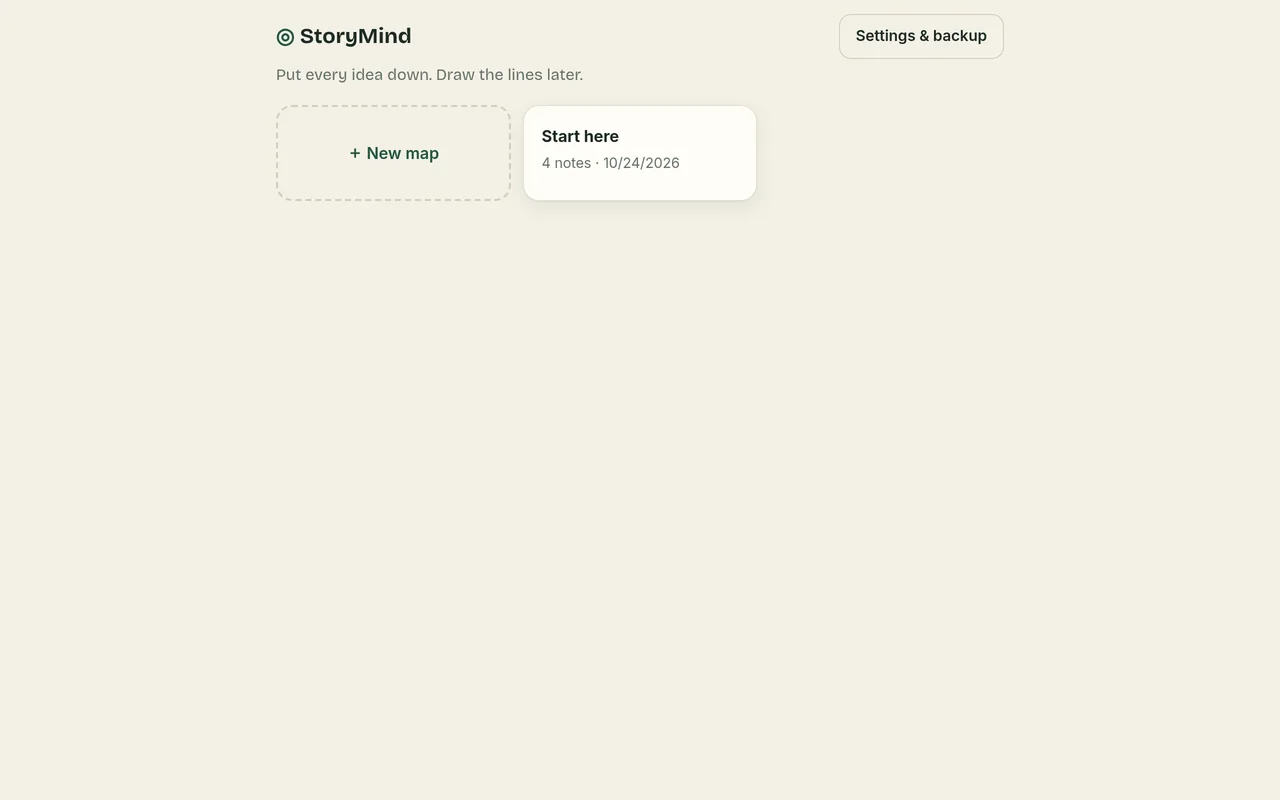
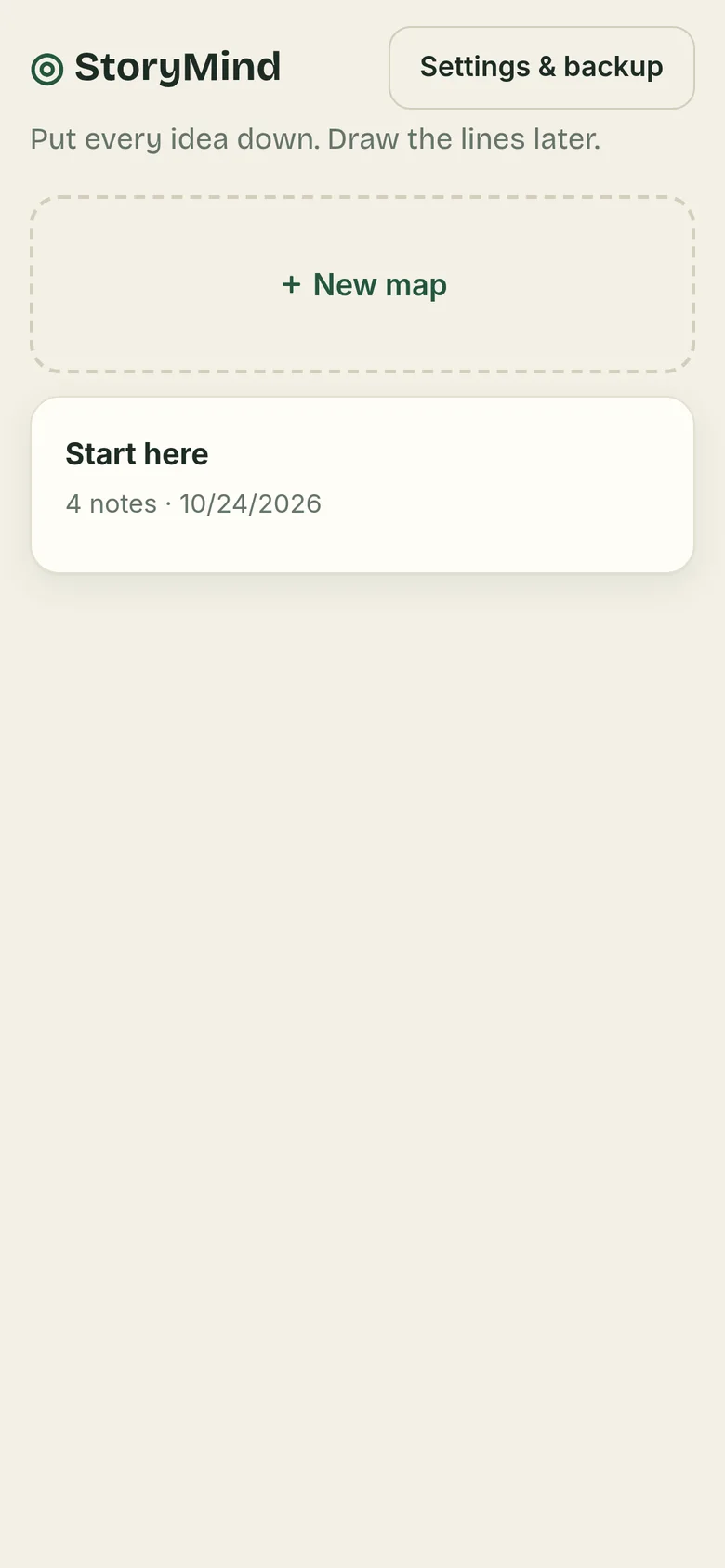
A big, quiet canvas for the messy part of writing. Drop notes wherever you like, drag them around, connect what belongs together, and when the shape appears, send it to Storyphernalia as cards.
The place your story lives before it has an order: all of it at once, in your mind, on one page.
Nothing forces an order until you’re ready for one.
Double-tap to drop a note, drag it where it belongs, connect it to another with a line or an arrow, and color it.
Send a map to Storyphernalia: each note becomes a card, in outline order. Or export a picture or a text outline.
There’s no company server holding your maps, because they never leave your device.
Everything is kept in your browser on your own phone or computer. It’s never uploaded, so no one else can see your maps.
Nothing to sign up for, no password to remember, and no email address to hand over.
Nothing reads or writes your ideas. Every word is yours.
No ads, no cookies, and nothing that follows you around the web. The app has no analytics at all; this website counts page visits privately, without cookies (details). It works offline, too.
StoryMind runs in your web browser, so there’s no app store and nothing to download. Add it to your home screen and it opens like any other app, even without the internet.
On iPhone, adding it to your home screen also helps Safari keep your maps safe.
On a Mac with Safari, choose File, then Add to Dock. Or simply bookmark it. It works in any modern browser.
Each phone or computer keeps its own maps. A backup file is how you move them from one to another.
Try it free for 14 days, then unlock it for good with one payment. No account needed.
Buy StoryMind: $14.99, onceSecure checkout by Stripe. 30-day full refund (details). Try it free first.
Yes. Send to Storyphernalia saves your map as a file with one heading per note. In Storyphernalia, choose Import cards and split at headings.
Yes. Your maps are stored only in your browser, on your own phone or computer. They’re never uploaded anywhere. There’s no account and no advertising, and the app has no analytics, so there’s no one to share them with.
Yes. After your first visit, StoryMind opens and saves without an internet connection. Adding it to your home screen makes it feel just like any other app.
You can use everything in StoryMind free for 14 days. After that, unlock it to keep editing. Your maps are never locked away: you can always open, export and back them up. One payment unlocks it for good on that device, and the key works on your other devices too.
Your maps live on the device you use, so they won’t move over by themselves. Before you switch, open Settings and save a backup: one file holding everything. Keep it in iCloud Drive or Google Drive, or email it to yourself.
On the new phone, open the app, go to Settings, choose Restore, and pick that file. Restoring merges with what’s already there and never erases it.
StoryMind is $14.99, one time, with no subscription. Try it free for 14 days first. No account or card needed for the trial.
Just a web browser: Safari on iPhone or iPad, Chrome on Android, or Chrome, Edge, Safari or Firefox on a computer. There’s nothing to download from an app store.