Your family’s favorites
Save the meals you make with their ingredients, then fill the week from them. The rotation keeps last week’s dinners from coming back too soon.
- Plan the week in a minute
- A grocery list from the plan
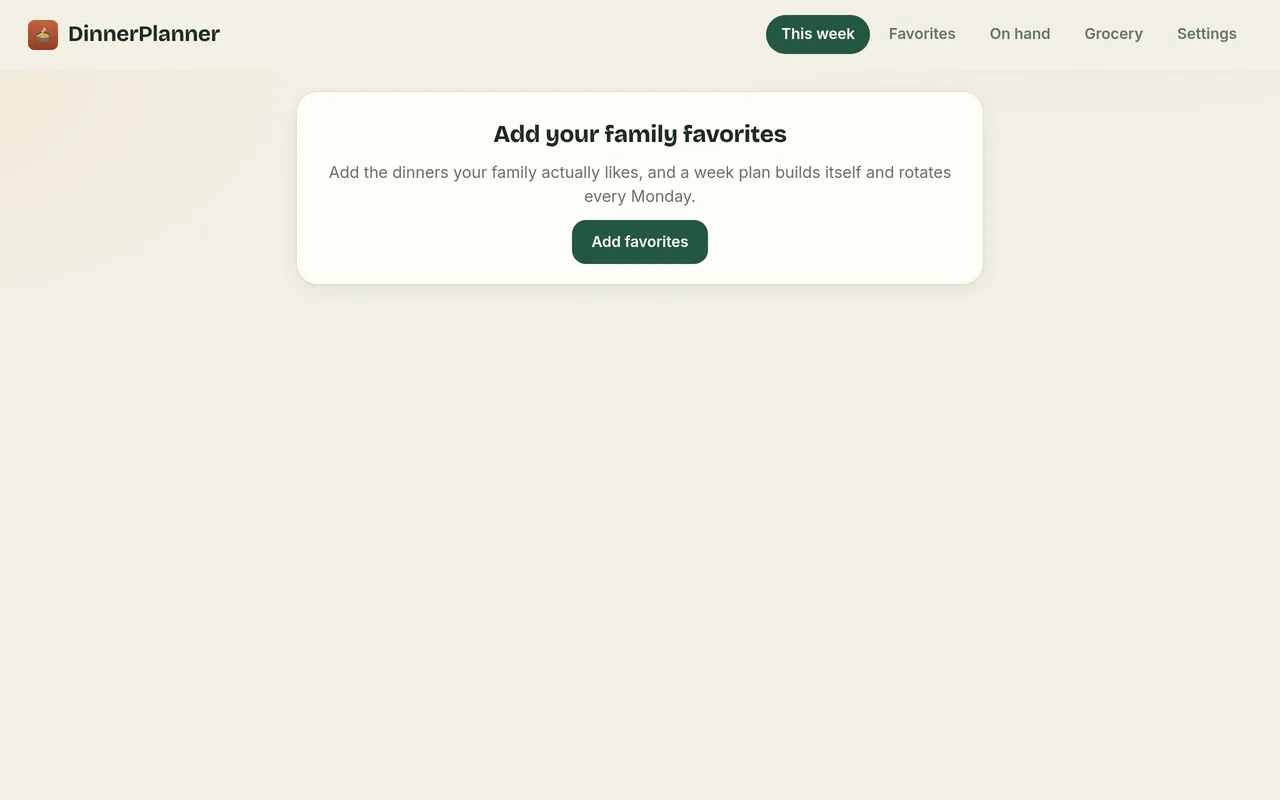
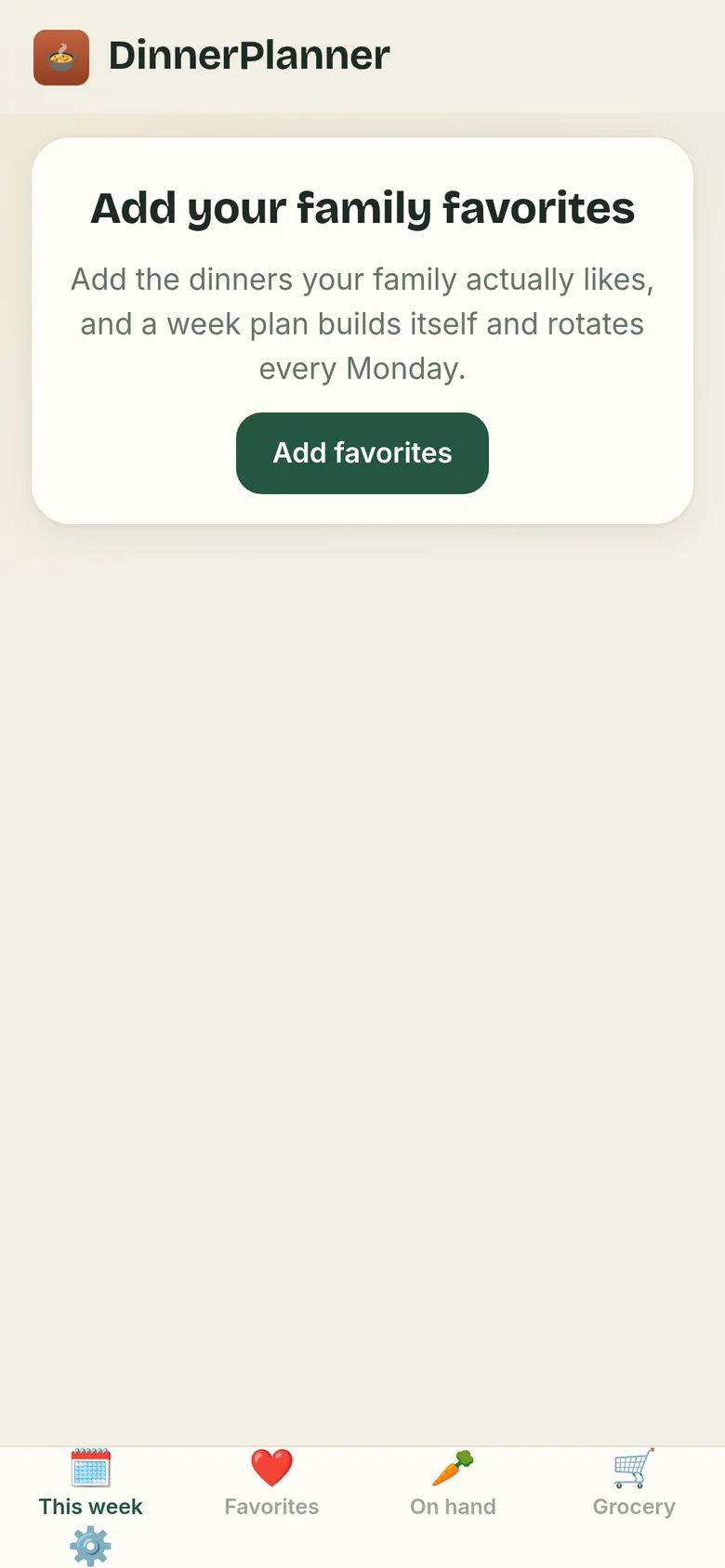
Keep the meals your family actually eats, plan the week in a minute, let the rotation keep things fresh, and take a grocery list to the store. It stays on your own device.
A planner for the question every family asks at 5 pm.
Plan once a week, shop once, and stop asking.
Save the meals you make with their ingredients, then fill the week from them. The rotation keeps last week’s dinners from coming back too soon.
The week’s ingredients become one grocery list you can tick off in the aisle.
There’s no company server holding your meals, because they never leave your device.
Everything is kept in your browser on your own phone or computer. It’s never uploaded, so no one else can see your meals.
Nothing to sign up for, no password to remember, and no email address to hand over.
Nothing reads your meals or lists.
No ads, no cookies, and nothing that follows you around the web. The app has no analytics at all; this website counts page visits privately, without cookies (details). It works offline, too.
DinnerPlanner runs in your web browser, so there’s no app store and nothing to download. Add it to your home screen and it opens like any other app, even without the internet.
On iPhone, adding it to your home screen also helps Safari keep your meals safe.
On a Mac with Safari, choose File, then Add to Dock. Or simply bookmark it. It works in any modern browser.
Each phone or computer keeps its own meals. A backup file is how you move them from one to another.
Try it free for 14 days, then unlock it for good with one payment. No account needed.
Buy DinnerPlanner: $9.99, onceSecure checkout by Stripe. 30-day full refund (details). Try it free first.
Yes. Your meals are stored only in your browser, on your own phone or computer. They’re never uploaded anywhere. There’s no account and no advertising, and the app has no analytics, so there’s no one to share them with.
Yes. After your first visit, DinnerPlanner opens and saves without an internet connection. Adding it to your home screen makes it feel just like any other app.
You can use everything in DinnerPlanner free for 14 days. After that, unlock it to keep editing. Your meals are never locked away: you can always open, export and back them up. One payment unlocks it for good on that device, and the key works on your other devices too.
Your meals live on the device you use, so they won’t move over by themselves. Before you switch, open Settings and save a backup: one file holding everything. Keep it in iCloud Drive or Google Drive, or email it to yourself.
On the new phone, open the app, go to Settings, choose Restore, and pick that file. Restoring merges with what’s already there and never erases it.
DinnerPlanner is $9.99, one time, with no subscription. Try it free for 14 days first. No account or card needed for the trial.
Just a web browser: Safari on iPhone or iPad, Chrome on Android, or Chrome, Edge, Safari or Firefox on a computer. There’s nothing to download from an app store.